Online Image to BMP Converter Free
Convert JPG and PNG images to BMP format online for free. Fast and secure image to BMP converter with no software installation required.
YOUR AD GOES HERE
YOUR AD GOES HERE
Image to BMP Converter Online: Convert Images to BMP Format Free
In the digital world, images are used everywhere — from websites and documents to software applications and system-level graphics. While modern image formats like JPG, PNG, and WebP are optimized for the web, there are still many use cases where a BMP (Bitmap) image format is required. This is why users often search for an image to BMP converter online.
BMP is one of the oldest and most reliable image formats. It stores image data in an uncompressed or minimally compressed form, which preserves raw image quality. An image to BMP converter online free allows you to convert JPG, PNG, or other image formats into BMP quickly, without installing any software.
In this detailed guide, you will learn what the BMP format is, why image to BMP conversion is still relevant, how online converters work, and how to use the image to BMP converter available on pdfimageextractor.info efficiently.
What Is an Image to BMP Converter Online?
An image to BMP converter online is a browser-based tool that converts common image formats, such as JPG or PNG, into BMP (Bitmap file) format.
Unlike modern compressed formats, BMP files store image data with minimal processing. This makes BMP images larger in size but extremely accurate in terms of color and pixel representation. Because of this, BMP files are often used in system graphics, desktop software, image processing, and testing environments.
Online converters make this conversion easy. Instead of using desktop software, you simply upload your image, let the tool process it, and download the BMP file instantly.
Understanding the BMP (Bitmap) Image Format
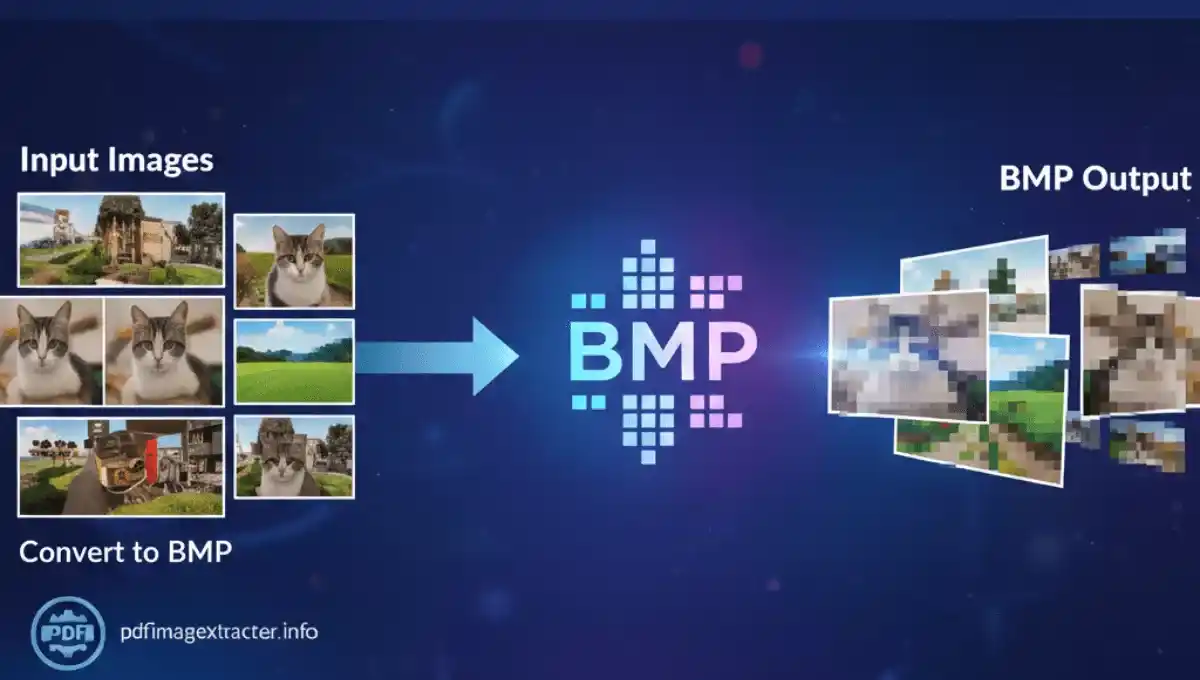
BMP stands for Bitmap Image File. It is a raster image format originally developed by Microsoft and widely supported across operating systems and applications.
BMP images store pixel data directly, which means:
-
No quality loss
-
Exact color values
-
High compatibility
However, because BMP files do not use advanced compression, their file size is usually larger than JPG or PNG.
Why Convert Images to BMP Format?
Even though BMP is an older format, it is still relevant in many situations. One major reason is compatibility. Many legacy systems, desktop applications, and operating system components require BMP images.
Another reason is raw image quality. Since BMP does not aggressively compress image data, it preserves original pixel information, making it useful for testing, analysis, and editing workflows.
BMP files are also widely used in software development, especially for icons, UI elements, and system graphics.
Image to BMP Converter Online Free – Why It Matters
An image to BMP converter online free removes the need for paid software and complex image editors. Traditionally, converting images to BMP required tools like Photoshop or system-level utilities. Online converters simplify this process. They allow users to convert images quickly without worrying about settings, compatibility, or installations.
This makes image to BMP conversion accessible to:
-
Developers
-
Designers
-
Students
-
Test engineers
-
General users
All through a simple browser interface.
How Image to BMP Conversion Works
When you upload an image to an image to BMP converter, the tool reads the image data and decodes it from the original format. The pixel data is then re-encoded into BMP format.
Since BMP stores raw pixel information, the conversion process focuses on preserving color accuracy and pixel structure rather than reducing file size. Once processing is complete, the tool generates a BMP file that can be downloaded and used immediately.
Step-by-Step: How to Convert Image to BMP Online
Using our Image to BMB Converter Online Free is extremely easy.
Step 1: Upload Your Image
Click on the upload button and select your image from your device.
Step 2: Automatic Processing
The tool instantly processes your image in the background.
Step 3: Download AVIF Image
Once conversion is complete, download your BMB image with one click. That’s it. No extra steps, no confusion.
Best Practices for High-Quality Image to BMP Conversion
Although BMP preserves image quality, using a good source image is still important. High-resolution images produce better BMP output. Avoid converting already low-quality or heavily compressed images, as BMP will preserve existing flaws.
If you plan to use BMP images in software or design workflows, ensure the correct color depth and dimensions are maintained after conversion. Preview the BMP file after conversion to verify accuracy.
Common Use Cases for BMP Images
BMP format is commonly used in:
-
Windows system graphics
-
Desktop applications
-
Software testing
-
Image processing workflows
-
Legacy systems
-
Icon and UI design
Because of its simplicity and reliability, BMP remains useful in technical environments.
Is Image to BMP Converter Online Safe?
A reliable image to BMP converter should:
-
Use secure HTTPS encryption
-
Not store uploaded images permanently
-
Automatically delete files after processing
-
Not require account registration
Always review the privacy policy before uploading sensitive images.
Why Use PDFImageExtractor Image to BMP Converter?
The image to BMP converter on pdfimageextractor.info is designed for speed and simplicity. It allows users to convert images without registration or software installation.
The tool works across devices, supports common image formats, and integrates with other image and PDF tools available on the platform. This makes it suitable for both casual users and professionals.
Common Issues During Image to BMP Conversion
Large file size is the most common concern when working with BMP images. This is expected due to the format’s uncompressed nature. If file size is an issue, consider using BMP only where necessary and converting back to compressed formats for storage or web usage. Color mismatches are rare in BMP conversion, but verifying output in your target application is always recommended.
Who Should Use an Image to BMP Converter Online?
Image to BMP converters are useful for:
-
Software developers
-
Graphic designers
-
Students and educators
-
QA testers
-
IT professionals
Anyone needing raw, high-accuracy image data can benefit from BMP conversion.
Conclusion: Convert Images to BMP Online with Ease
An image to BMP converter online free is a practical solution for converting images into a highly compatible and accurate bitmap format. While BMP may not be ideal for web performance, it remains essential for system-level graphics, testing, and legacy applications.
By using an online image to BMP converter, you save time, avoid complex software, and ensure accurate image conversion. Tools like the image to BMP converter available on pdfimageextractor.info make this process simple and accessible to everyone.
If you need reliable bitmap images without hassle, converting images to BMP online is the right choice.
More Converters
YOUR AD GOES HERE